 Click to enter
Animated Bookshelf
A sketchbook you can take down from a shelf and read, where some of the drawings move. It took four tries and a detour through a whole other app to get here.
Four versions of one book
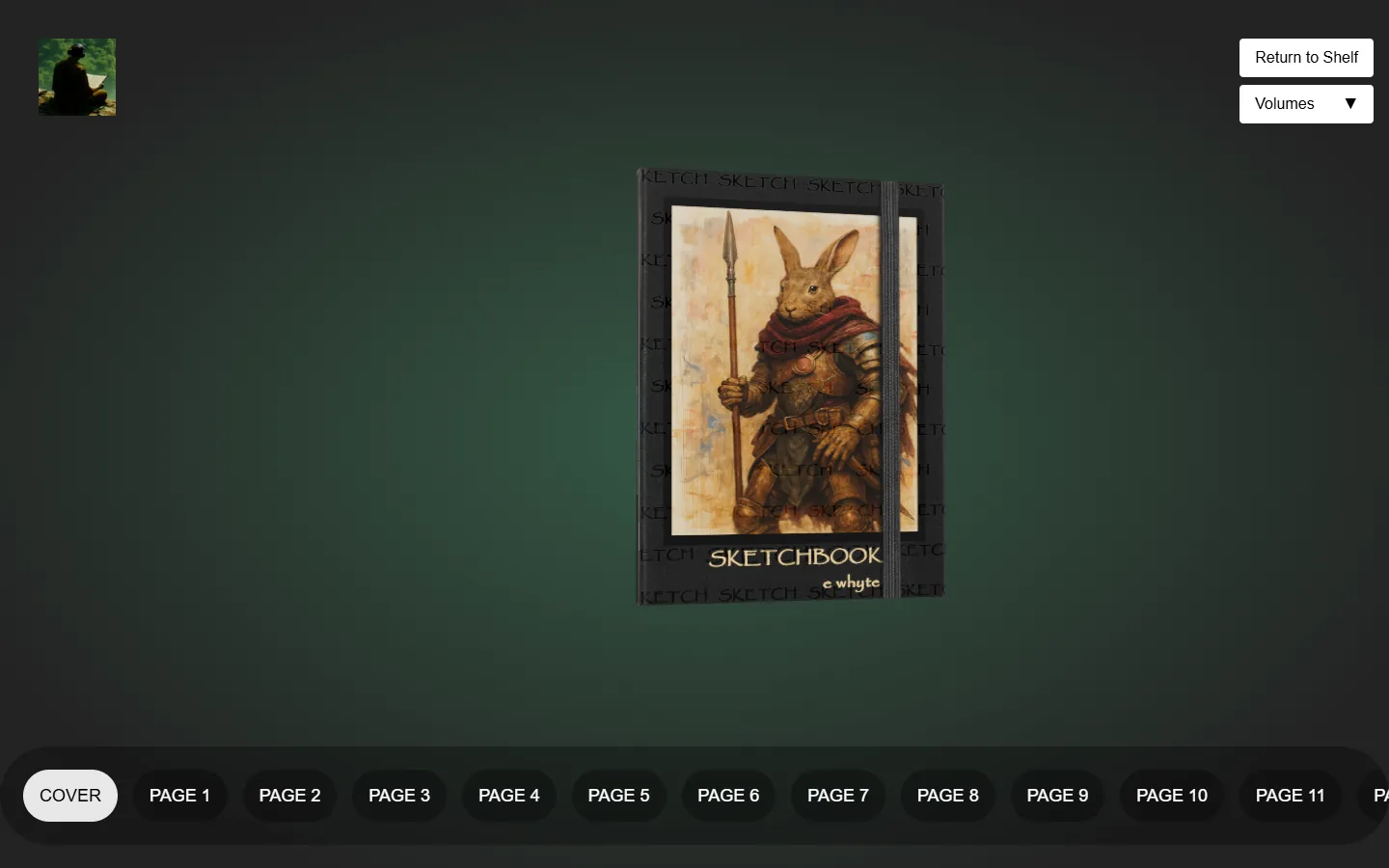 1 · Early 2025
A book
It began with Wawa Sensei's animated book slider tutorial for React Three Fiber: one book whose pages bend as they turn. I filled it with my own sketchbook, wrote the pages as a simple list of pictures, and found out a page could be a short looping video. That is when the drawings started to move.
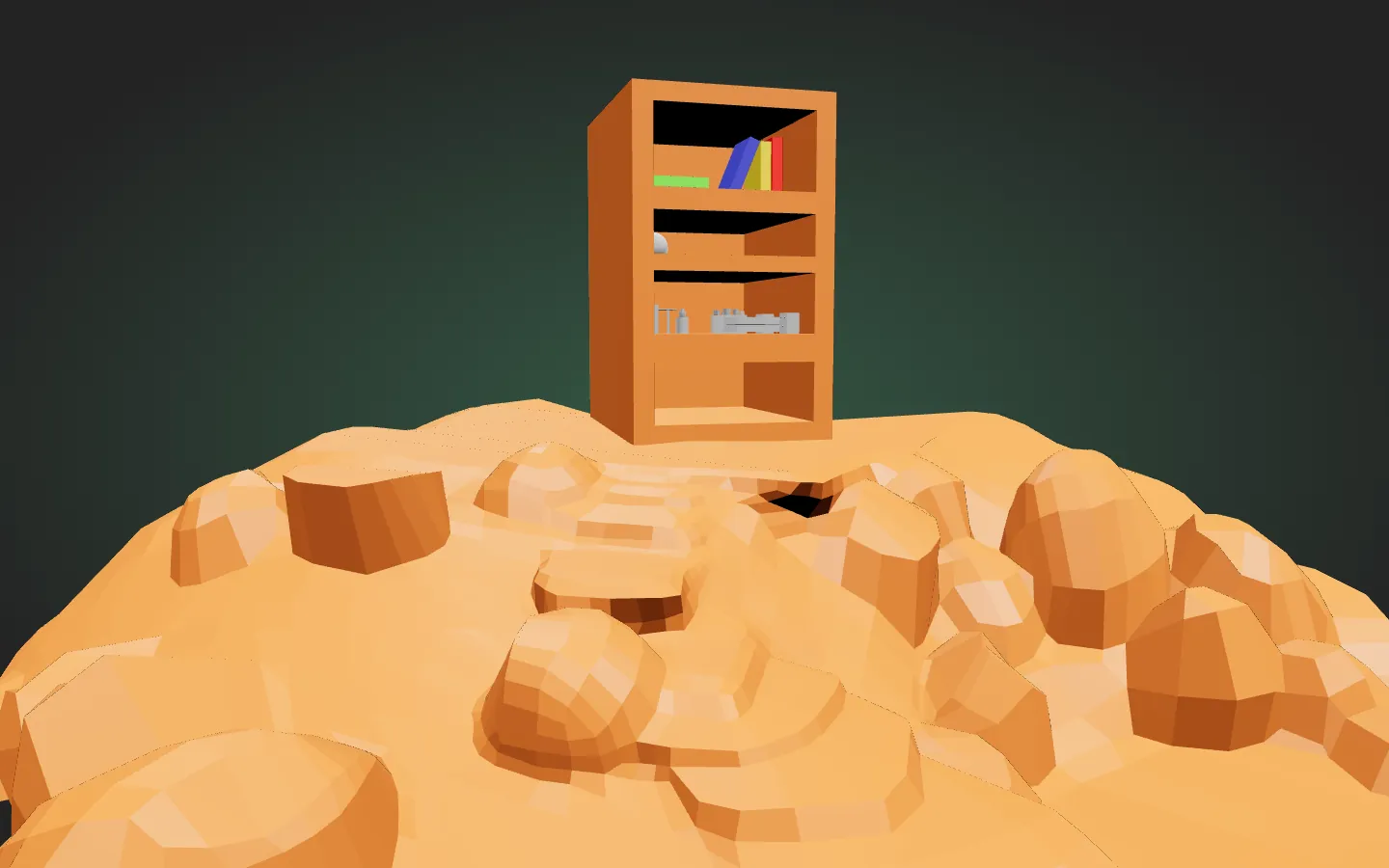 2 · Spring 2025
A shelf like a lighthouse
Then I imagined a shelf with books you could choose from, and a website containing your personal volumes, like journals, and began mocking up ideas. The lighthouse was a concept I toyed around with, but when I began mapping out what this would entail, I had to take a detour to understand the mechanics of the entire interactive pipeline: from consolidating media to staging and manipulating the book in 3D space.
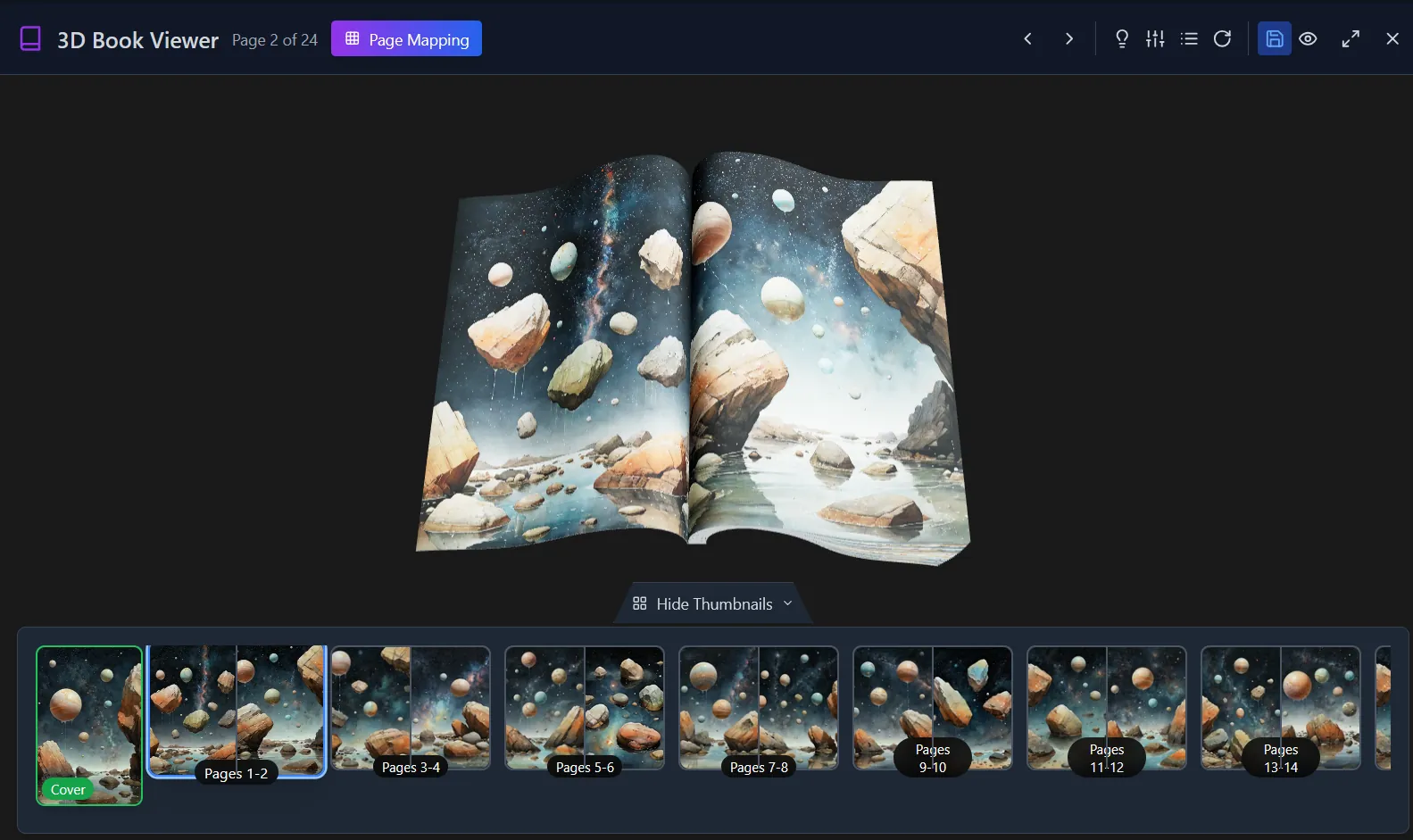 3 · Summer 2025
A detour: Gridworm
Filling each volume by hand, one file name at a time, was slow. So I built Gridworm: lay the pictures out on a grid, shuffle them like prints on a table, and the book re-binds itself in that order.
- 4 · Now
A study
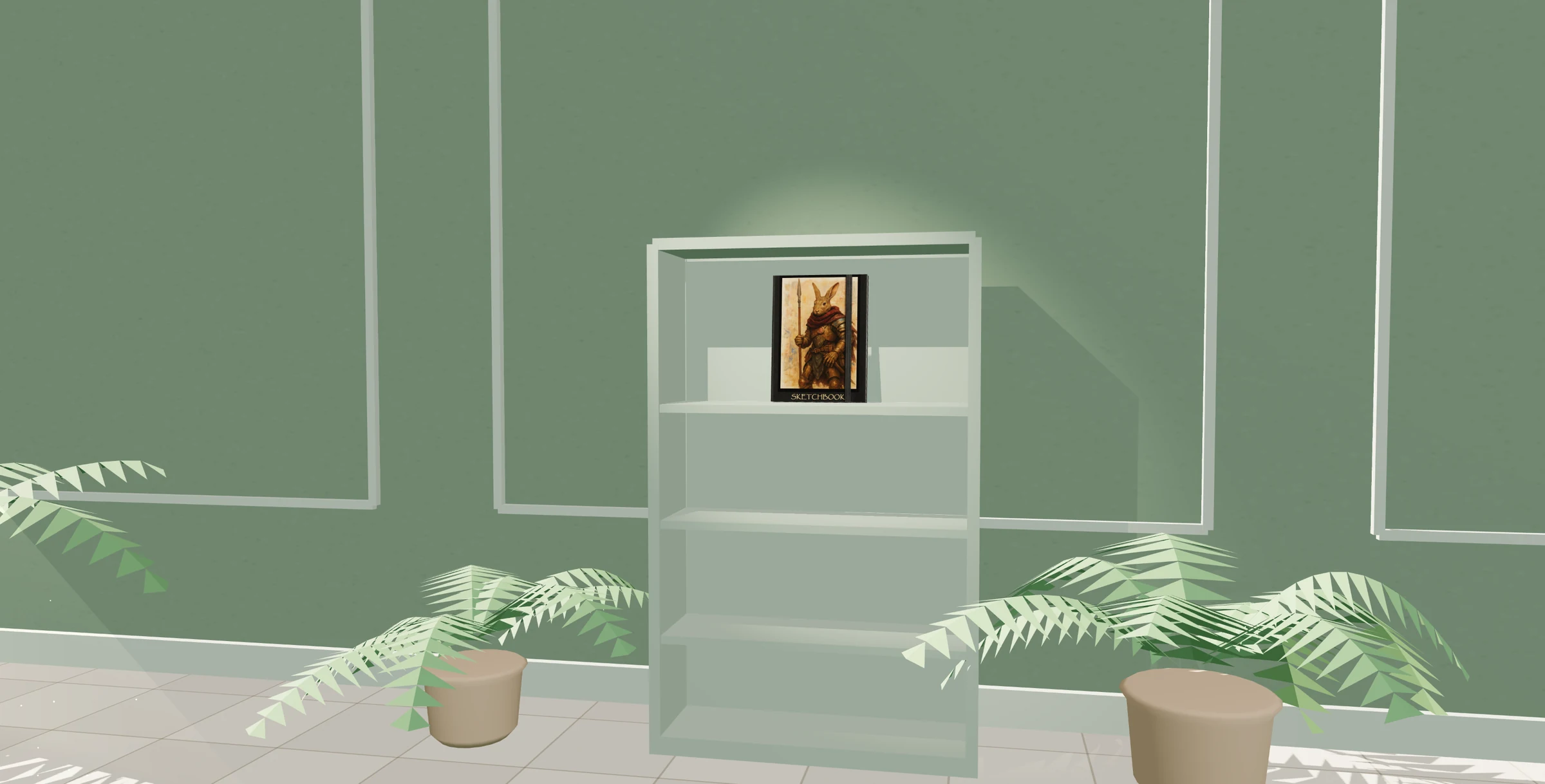
For this site the scene became a sunlit room with one book on one shelf. It is drawn in plain Three.js, with no models to download, so the whole thing, book included, is about 10 MB and costs nothing to host. Blender is not needed any more: the room is built from simple shapes in code.
The study
One sketchbook on one shelf, in a sunlit room. Click the book to take it down and read it; turn the pages with the arrows, a swipe, or a click on either page. To read the small print, zoom in with +, a pinch, the scroll wheel, or a double-tap, then drag to look around. Some of the drawings move.
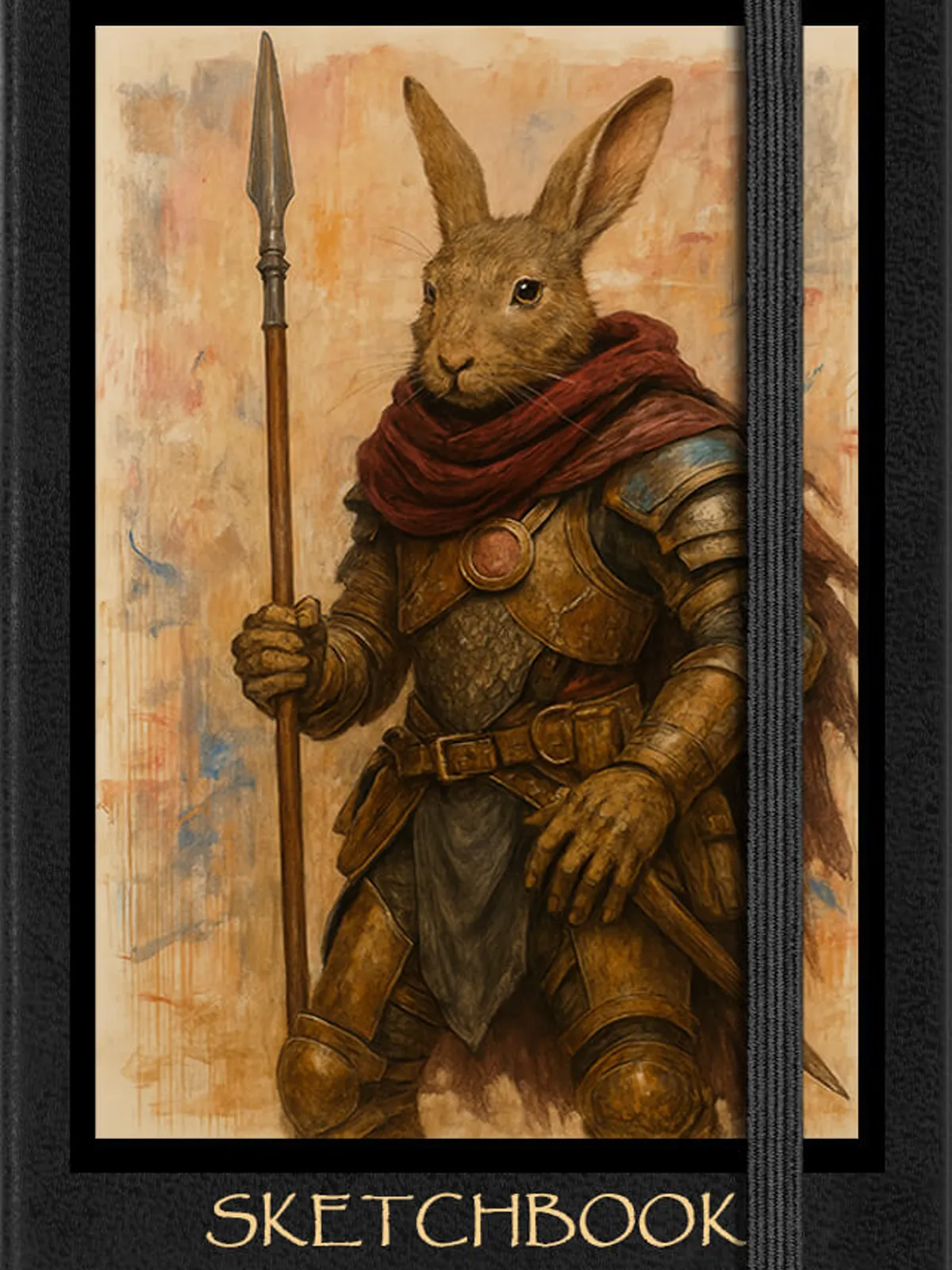
3D scene · about 10 MB, loaded when you enter
Drawn in Three.js as a static page: the whole study, book included, is about 10 MB and costs nothing to host.
Credit
- Wawa Sensei - the animated book slider tutorial and starter code this grew from · source
Tech stack
- Three.js - the study: the room, the light, and the page turn, all in code
- React Three Fiber, drei, Jotai - the earlier versions
- Blender - the shelf and island in the lighthouse version
- FFmpeg - the moving pages, re-encoded to load quickly